VPS / Decision
When does a website need a VPS? Measure symptoms, not visits
Use errors, peak latency, and resource evidence to decide whether to keep shared hosting, fix the app, or test a VPS.
No daily visit threshold tells every website when to move to a VPS. A cached publication and a store with carts can produce very different workloads at the same visitor count. Decide from peak-hour errors, latency, resource limits, and required system control. Measure first, fix the bottleneck you find, then test a candidate environment.
Why daily traffic is a weak threshold
Daily visits hide concurrency, requests per session, and work that cannot be cached. A cached page differs from search, login, checkout, or database writes. A provider’s traffic estimate cannot promise capacity for your application.
Break metrics down by hour and route type. Record request volume, error rate, tail latency, and background job duration. web.dev’s TTFB guide explains one useful measure of response delay, but TTFB alone cannot identify which layer is slow.

Compare failures with resource limits
On shared hosting, inspect process, memory, and I/O limit reports at the time errors occurred. CloudLinux documents resource limits; your provider sets the actual values. A 503 or 508 response by itself does not prove a VPS is required. Slow queries, malfunctioning plugins, or unwanted traffic may keep workers busy.
On an existing VPS, correlate CPU, available RAM, swap, disk, network, and application errors. AWS’s EC2 metric documentation shows what infrastructure metrics can expose; machine metrics alone do not identify a bad query or plugin. Use the VPS sizing guide to connect measurements to CPU, RAM, storage, and region.
| Observation | Check first |
|---|---|
| One dynamic route is slow | Queries, plugins, cache, external services |
| Errors rise at peak time | Plan limits, concurrent workers, app logs |
| Disk is nearly full | Growth source and backup status |
| CPU is idle but response is slow | Database, I/O, network, external APIs |
| You need system-level software | Shared-hosting capability and VPS operating cost |
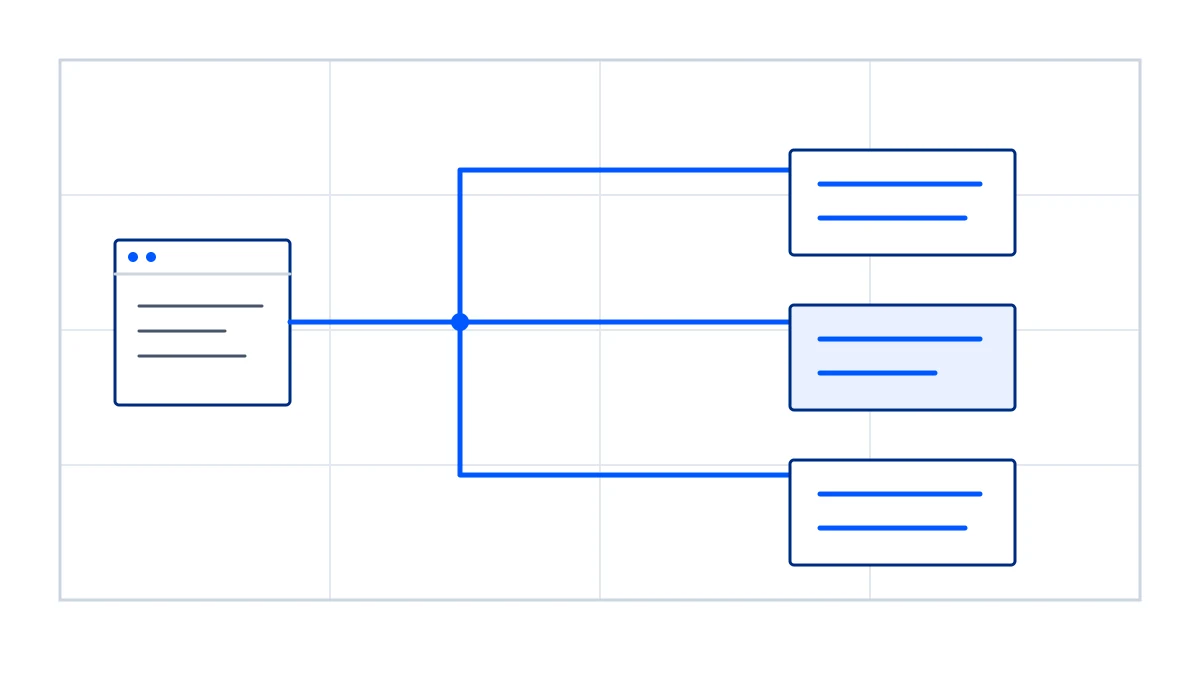
A repeatable decision process
- Select important flows: posts, sign-in, search, checkout, or API requests.
- Capture measurements across a representative peak, including failures and tail latency.
- Fix lower-risk causes such as expensive queries, ineffective caching, oversized images, or piled-up jobs.
- Measure again under comparable conditions. If limits still bind or system control is essential, test a VPS with representative work.
- Compare results and full cost: machine, backups, monitoring, licenses, administration, and rollback.
Without real traffic data, run a safe load test in your own test environment. Include dynamic requests and both cold and warm cache. One homepage request cannot represent a store. Never load-test another party’s service without permission.
Keep shared hosting or test a VPS?
Keep shared hosting when performance and error rates meet your targets, the environment supports the software you need, and you do not need operating-system access. The shared hosting versus VPS guide compares the operational work as well as resources.
Test a VPS when plan limits recur after application fixes, or when required system configuration is unavailable on shared hosting. A VPS gives more control and adds patching, firewall, backup, and incident duties. Read the Ubuntu VPS security checklist before taking those on yourself.
For WordPress, inventory files, database, plugins, mail, and DNS. Preview the destination, stop or synchronize new writes, then change traffic using the WordPress migration checklist. No downtime claim is safe without an actual migration design and data plan.
Questions before choosing a plan
- What error and latency targets matter, and at what peak time?
- What evidence shows hosting is the limit rather than the app or an external service?
- Who patches, checks backups, and responds to incidents?
- How do renewal, backup, and control-panel charges work? Use the renewal cost worksheet to compare full cost.
If those answers are missing, keep the verdict open and collect evidence. A VPS decision belongs to a workload, not to a visitor number.