WordPress / Migration
Migrate WordPress to a new host: verify and roll back
A checklist for files, database, and DNS, with verification before switching traffic.
Move WordPress by copying files and database to prepared hosting, verifying restored site before changing DNS, then controlling writes during cutover. Keep old hosting available until checks pass and rollback window closes. Backups alone are not enough: prove restoration works, record DNS changes, and decide how orders, submissions, uploads, and edits made after cutover will survive any reversal. Expect a controlled maintenance period when reliable synchronization is unavailable; never assume migration means zero downtime.
1. Define migration scope and decision points
Start with what changes. Moving hosting while keeping domain and URL structure unchanged differs from changing domain, moving WordPress into another directory, or replacing server software. Record each change separately so failures remain traceable. WordPress migration guidance distinguishes moves involving unchanged URLs from moves requiring address updates. WordPress migration guidance
Inventory:
- Domains, subdomains, canonical hostname, and WordPress installation path.
- WordPress, PHP, database, theme, and plugin versions.
- Uploads, custom themes, must-use plugins, and files outside standard directories.
- Redirects, scheduled jobs, caching, and external storage.
- Payment services, webhooks, email delivery, and form destinations.
- DNS records and whoever can edit them.
If hosting responsibilities remain unclear, review what web hosting provides before choosing migration boundaries.
Assign one person authority to approve cutover and rollback. Define acceptance criteria before copying: critical pages render, login works, controlled transactions succeed, and no unexplained errors remain. Set a rollback decision time based on business tolerance, not optimism.
Hypothetical example: A brochure site might accept overnight maintenance. A shop taking orders needs a stricter write-control plan and explicit responsibility for reconciling transactions.
2. Capture complete, recoverable backups
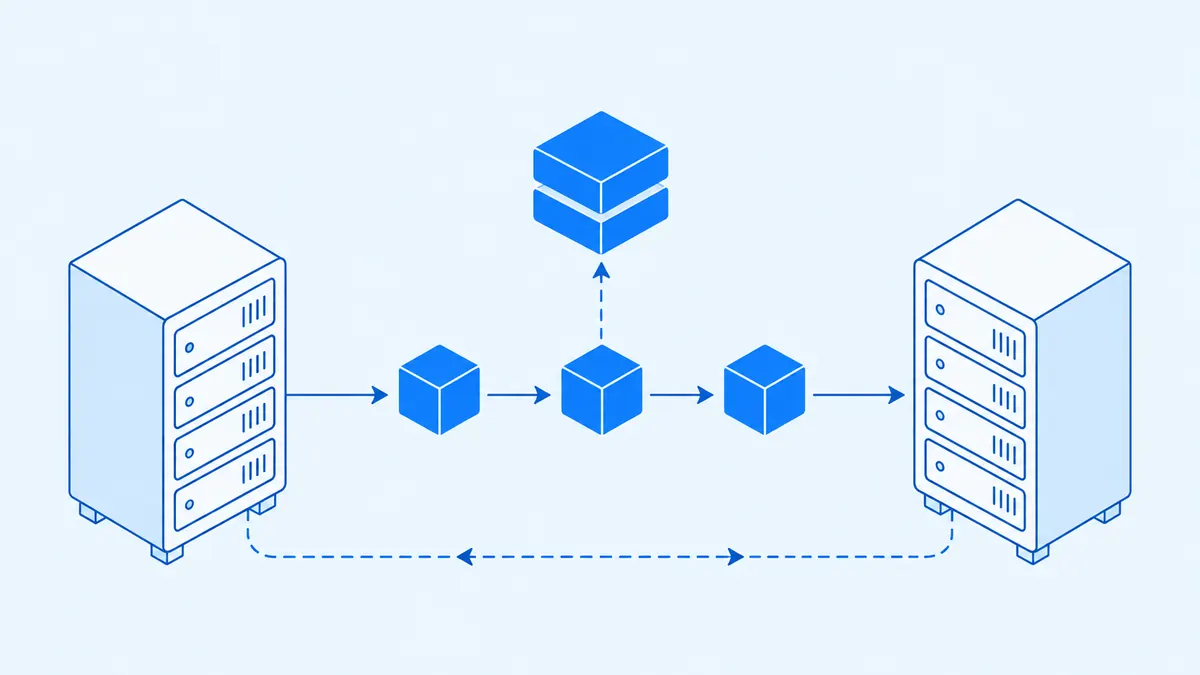
Create backups of both files and database. WordPress content and configuration span these components; saving only one leaves recovery incomplete. Official guidance treats database and file backups as complementary parts of protection. WordPress backup guidance
Include WordPress files, uploads, themes, plugins, hidden configuration files, and relevant server configuration. Check whether custom code stores assets outside installation directory. Export every database table required by this installation, including plugin-created tables.
Record backup timestamp, source environment, database name, table prefix, and storage location. Preserve a copy outside both hosting accounts. A backup stored only on departing server disappears as a recovery option if account access fails.
Security warning: Database exports and configuration files can contain personal information and credentials. Store them privately, restrict access, and never leave downloadable archives inside a public web directory.
Check archive contents and export completion rather than trusting a success label. Compare file counts or transfer reports where available. Record exceptions, especially unreadable files and excluded directories.
For active sites, note whether writes continued during backup. Files and database copied at different moments may not describe one consistent application state.
3. Run a restore drill before scheduling cutover
Restore backups into an isolated destination before touching public DNS. A backup becomes useful recovery evidence only when its contents can be restored and exercised. WordPress backup guidance recommends practicing restoration rather than relying solely on backup creation. WordPress backup guidance
Use this drill to measure your own recovery process. Record elapsed time, missing credentials, manual fixes, and dependencies that were not included. Do not treat this measurement as a guarantee for a later incident.
- Create an isolated database and site location.
- Restore files and import the database.
- Configure destination database access.
- Open representative pages and sign in.
- Check uploads, plugins, scheduled tasks, and application errors.
- Repeat the restore if correcting backup coverage changes its contents.
Prevent test systems from sending customer messages, accepting payments, or processing production webhooks. Use sandbox integrations where available; otherwise disable outbound actions during testing.
A restore that reaches homepage but cannot load media or authenticate administrators has not passed. Stop and repair backup coverage before scheduling migration.
If only migration specialist knows recovery procedure, document enough detail for another authorized operator to repeat it. Recovery should not depend on memory or unavailable account access.
4. Prepare destination without replacing site behavior
Compare destination environment with source before installing extras. Check PHP compatibility, required extensions, database support, storage permissions, resource limits, and web server configuration against actual site needs. Verify provider-specific restrictions on its current documentation or account pages.
A clean installation can help confirm basic hosting works; use WordPress installation basics if needed. Keep that check separate from restored site. Do not merge an empty installation’s database into production data.
Prepare:
- A destination database and restricted application credentials.
- Correct document root and domain mapping.
- Rewrite rules and required redirects.
- Logging accessible to migration operator.
- HTTPS certificate provisioning.
- Mail delivery configuration.
- Scheduled task ownership.
Copy site-specific behavior deliberately. A redirect or scheduled import configured outside WordPress will not necessarily arrive with plugin files.
Avoid combining hosting move with theme replacement, plugin cleanup, and major software upgrades. Fewer simultaneous changes make faults easier to isolate. If destination cannot run current application safely, resolve compatibility in isolated testing first.
Keep public traffic on source while preparation proceeds. Destination should remain a test environment until acceptance checks and write-control plan are ready.
5. Transfer files and database as a matched set
Use initial transfer for bulk data, then plan a smaller final transfer during write freeze. This reduces work remaining at cutover without pretending initial copy stays current indefinitely.
Copy uploads, themes, plugins, and configuration alongside required WordPress files. Preserve relevant hidden files, but inspect host-specific settings before carrying them across. Database credentials and filesystem paths may need destination values. WordPress migration documentation identifies configuration and database changes as parts of moving an installation. WordPress migration guidance
Import database into intended destination, not whichever database happens to be selected in hosting interface.
Before overwriting any destination database or directory, confirm its identity and retain any data that must survive. An import or replacement can destroy existing destination content.
Check transfer errors, missing uploads, ownership, and write permissions. Confirm intended table prefix matches configuration.
Hypothetical example: Initial copy finishes Monday, but migration happens Wednesday. Tuesday’s orders and uploads still belong to source. Recopying only media would leave destination database stale; importing only database could reference missing files.
Keep a transfer log listing what moved, when it moved, and whether writes were stopped. That log becomes essential when deciding which environment holds authoritative data.
6. Replace URLs only when addresses change
Keeping public domain and installation path unchanged usually avoids broad URL replacement merely because hosting changes. Temporary preview requirements should not automatically become permanent database edits.
When domain or path changes, identify old and new values precisely. Check WordPress addresses, content links, media references, and plugin settings. WordPress migration guidance warns that indiscriminate database replacement can damage serialized data. WordPress migration guidance
Serialized values can include string lengths alongside content. Plain replacement may change text without updating surrounding structure. Use a WordPress-aware method that explicitly handles serialized values, and verify current tool documentation before execution.
- Back up the destination database.
- Confirm the exact search and replacement values.
- Review the affected scope or dry-run output when available.
- Perform the replacement.
- Test affected pages and settings.
- Restore the backup if results are wrong.
Do not replace every occurrence of a domain without understanding context. Addresses embedded in third-party settings or historical records may serve different purposes.
If an incorrect replacement occurred, restoring known-good destination database is often clearer than attempting repeated reverse replacements. Keep source untouched while resolving destination mistakes.
7. Preview using production hostname where possible
Preview destination before switching traffic. A local hostname override can direct your test machine to new server while other visitors continue reaching source. This helps test intended hostname without introducing temporary public URL changes.
Keep a clear way to identify destination, such as server logs or an approved response marker. Browser cache, application cache, and external caching can otherwise make old pages look like successful migration.
Run checks across representative paths:
- Homepage, content pages, archives, and search.
- Images, downloads, and older uploads.
- Administrator login and editing.
- Redirects and missing-page handling.
- Forms, account flows, and controlled checkout.
- Mobile navigation and keyboard operation.
Inspect generated links and browser errors. A page can look correct while scripts, images, or form requests still contact old host.
Protect staging with access controls appropriate to testing. Search visibility settings are not a substitute for restricting access to private content.
For payments and other external actions, use approved test methods. Do not create real customer charges merely to prove connectivity. Record results and unresolved defects so cutover approval reflects observed behavior rather than homepage appearance.
8. Prepare DNS, TTL, and HTTPS
Export or record current DNS configuration before editing. Identify records serving website separately from mail and other services. Moving web hosting does not automatically require moving authoritative DNS or changing mail routing.
TTL controls how long DNS responses may remain cached. Lowering it ahead of migration can shorten future caching, but does not retroactively shorten previously cached answers. Cloudflare explains TTL behavior and its available settings. Cloudflare TTL reference
Lower relevant TTL early enough for previous TTL to expire before planned cutover. Record original values for later restoration.
Prepare destination certificate for production hostname before sending visitors there. Verify hostname coverage, certificate validity, and redirects to HTTPS. Confirm destination can receive intended IPv4 and IPv6 traffic if both address types are published.
Review records individually, including aliases and any proxy configuration. Cloudflare documents creating and editing DNS records; follow instructions appropriate to authoritative DNS service actually in use. Cloudflare DNS record management
Hypothetical example: Updating an IPv4 address while leaving an old IPv6 address can split visitors between environments. Check both rather than interpreting successful access from one network as complete cutover.
9. Freeze writes and switch traffic deliberately
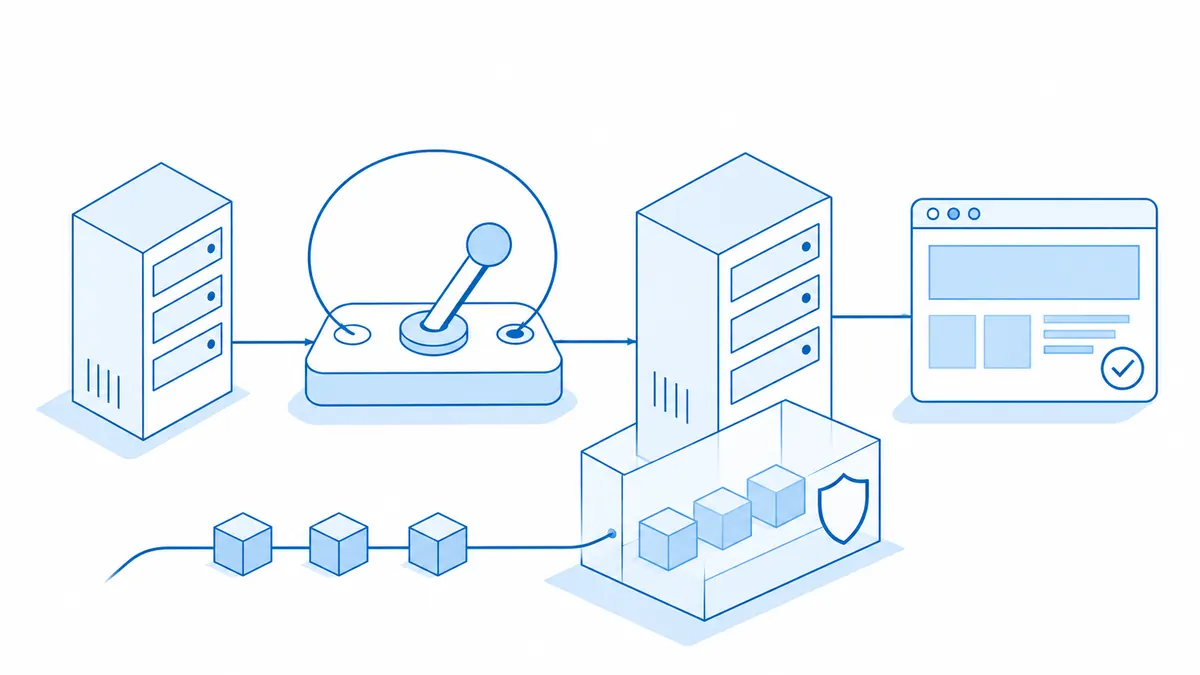
Choose authoritative data source before final synchronization. For a straightforward migration, source remains authoritative until writes stop and final copy completes.
A write freeze must cover more than visible editing. Orders, registrations, comments, uploads, background tasks, imports, and incoming webhooks may change data.
- Announce the maintenance window and stop planned publishing.
- Pause or safely defer write-producing integrations.
- Put source into a mode that prevents relevant writes.
- Capture final database backup and remaining file changes.
- Restore those changes on destination.
- Run abbreviated acceptance checks.
- Update intended DNS records.
- Enable destination writes only after confirming readiness.
- Keep old environment from accepting conflicting writes.
Decide beforehand how deferred webhooks or scheduled tasks will resume without duplicate processing. Where an integration supports retries, verify its actual behavior rather than assuming delivery.
If writes cannot pause, migration needs an application-aware synchronization design. Two independently writable WordPress databases do not become consistent through DNS changes.
Some visitors may still reach source during DNS transition. Show maintenance information or use a deliberately tested forwarding arrangement. Do not leave source writable merely because destination appears healthy from your connection.
10. Verify HTTPS, email, forms, and background work
After cutover, test from more than one network and confirm requests reach destination. Keep hostname overrides separate from public-DNS checks so local testing does not hide routing errors.
Check HTTPS certificate, redirects, mixed-content symptoms, login persistence, and administrative actions. Review application and server logs alongside browser results.
Test contact forms end to end: submission accepted, expected record stored, notification received, and reply address correct. A success message proves neither email delivery nor downstream processing.
Check outbound mail separately from mailbox access. If mail hosting stays unchanged, confirm migration has not altered its DNS records or application delivery configuration. Verify current provider requirements directly where configuration depends on provider policy.
Resume background work in controlled order. Watch for duplicate scheduled jobs if old hosting remains online. Confirm expected imports, renewals, notifications, and webhooks run on intended environment.
For commerce, reconcile a controlled transaction across application, payment service, and notification flow using approved testing procedures.
Define rollback triggers now if not already documented: persistent checkout failure, missing recent records, failed authentication, or an unresolved security issue. Isolated cosmetic defects may justify repair in place; lost writes demand immediate containment.
11. Roll back without discarding new writes
DNS rollback restores routing, not database history. Once destination accepts writes, old database becomes stale. Pointing traffic back without reconciliation can hide or discard new orders, submissions, registrations, and uploads.
Before reversal:
- Stop new writes on the destination.
- Capture its current database and changed files.
- Record the period during which it accepted writes.
- Identify new or changed business records.
- Choose and validate a reconciliation method.
- Restore routing only when the receiving environment can safely serve the chosen data state.
- Resume writes and verify critical transactions.
Security and data-loss warning: Do not overwrite either database until destination-only data has been preserved and an authorized owner has approved the recovery plan.
Hypothetical example: Destination receives six orders before checkout breaks. Restoring yesterday’s source database and changing DNS would omit those orders. Preserve destination records, reconcile payment status, and transfer required data through validated application-specific procedures.
Whole-database replacement may fit some situations; selective reconciliation may fit others. Neither is automatically safe. If clean reconciliation is uncertain, remain in maintenance while resolving ownership and dependencies.
Keep old hosting until recovery evidence, business checks, and chosen observation period justify retirement.
12. Printable migration checklist
Use one copy per migration. Record evidence beside each completed item.
Before cutover
- Scope, owner, maintenance window, and rollback triggers recorded.
- Domains, DNS, versions, integrations, and scheduled jobs inventoried.
- Files and database backed up outside both hosts.
- Restore drill completed; missing dependencies fixed.
- Destination configuration, logging, and permissions checked.
- URL changes reviewed; serialized data handled safely.
- Preview passed across representative pages and workflows.
- HTTPS ready for production hostname.
- DNS records saved; TTL preparation completed.
- Write freeze and deferred integration handling agreed.
During cutover
- Source writes stopped, including background writers.
- Final database and file changes transferred.
- Destination acceptance checks passed.
- Intended DNS records updated.
- Destination writes enabled under observation.
- Old environment prevented from accepting conflicting writes.
After cutover
- Public routing checked without local overrides.
- HTTPS, login, uploads, forms, and email verified.
- Payments, webhooks, and scheduled jobs checked.
- Errors and business records monitored.
- Any rollback preserves destination-only writes.
- Backups retained and temporary access removed.
- Old hosting retired only after rollback window closes.
- Normal TTL restored when stable.