VPS / Sizing
Choose VPS CPU, RAM, disk, and region
Size a VPS from workload and measurements instead of a universal minimum for every application.
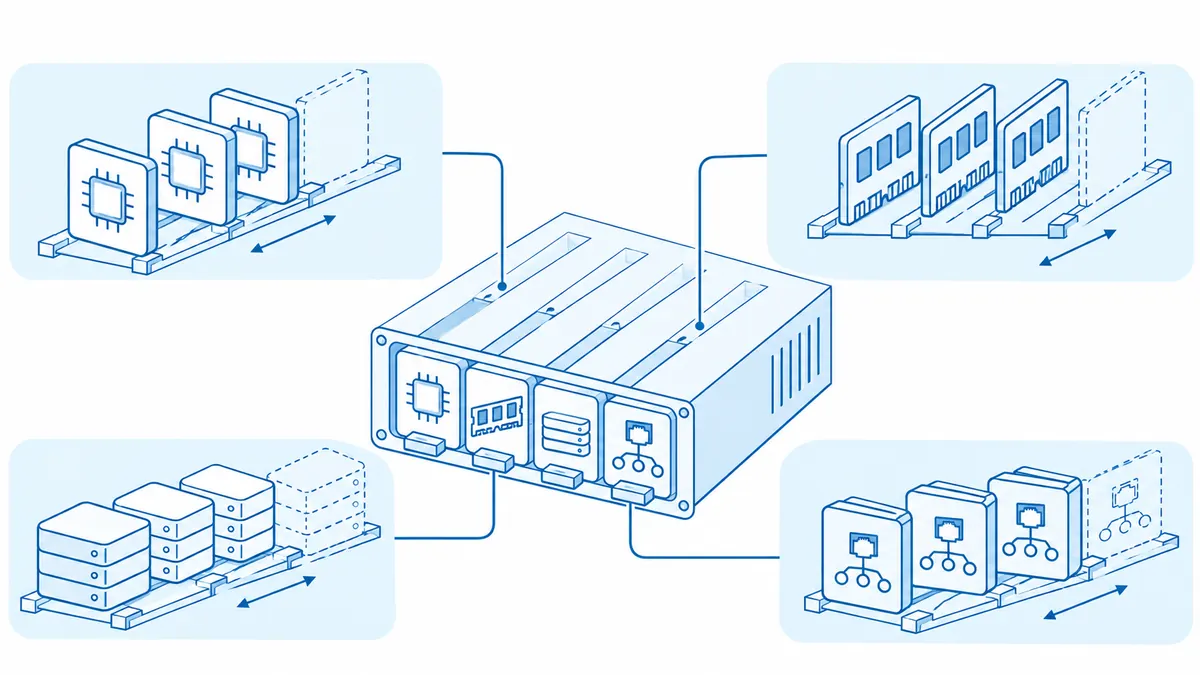
Choose VPS CPU, RAM, disk, and region from workload measurements, acceptable response times, and recovery needs—not universal minimums. Measure normal traffic, busy periods, background jobs, and data growth. Test representative work on a candidate server, then buy enough capacity to meet your targets with room for variation. Before committing, check total cost and how resizing, migration, and recovery work.
1. Define workload before choosing resources
Write down what VPS must run: web application, database, cache, scheduled tasks, file processing, mail, or several services together. Include background work. Overnight imports and backup jobs can compete with daytime requests when schedules overlap.
Define success in user terms. Record acceptable response time, tolerated job duration, expected concurrent activity, and acceptable interruption during maintenance. Separate slow but tolerable reporting from checkout or authentication requests that need prompt responses.
Build a workload inventory:
- Interactive work: page requests, API calls, searches, and transactions.
- Background work: queues, imports, exports, image processing, and scheduled maintenance.
- Persistent data: databases, uploads, logs, and retained artifacts.
- Operational work: monitoring, backups, updates, and restore testing.
Identify which components must share one machine and which can move independently. Keeping everything together reduces initial complexity, but means one resource shortage can affect several services.
If server administration itself remains undecided, compare shared hosting versus VPS before buying resources. More control also means more operational work unless a management service covers it.
2. Capture a baseline from existing systems
Measure a complete operating cycle, including ordinary traffic, known peaks, deployments, and scheduled jobs. Record collection interval and missing periods; a quiet snapshot cannot represent a busy service.
Collect CPU utilization, available memory, swap activity, disk usage, storage latency, network transfer, request latency, and errors. Add application signals such as queue depth, database connections, slow queries, and cache behavior. Resource measurements become useful when tied to completed work.
On Linux, native tools provide a starting point: uptime, top, free, vmstat, df, and application logs. Distinguish filesystem space from storage performance; plenty of free space does not prove requests complete quickly.
For EC2, CloudWatch supplies instance metrics, but guest memory monitoring needs additional collection rather than an assumption that default instance metrics include it. Check metric definitions, reporting intervals, and collection requirements before relying on a dashboard. AWS monitoring documentation
With no existing system, build a representative test workload. Include realistic data size, request mix, authentication, writes, and background jobs. Record assumptions explicitly so later measurements can replace them.
3. Choose CPU for concurrency and sustained work
Count runnable work before counting vCPUs. Determine whether application spends time computing, waiting for storage, waiting for remote services, or competing for database locks. More CPU does not fix every slow request.
Check application parallelism. One CPU-bound execution path and many independent worker processes have different needs. Test both individual task duration and total throughput; improving one does not guarantee improvement in the other.
DigitalOcean distinguishes shared CPU plans from dedicated CPU plans and describes workload considerations for each. Shared CPU suits workloads that can tolerate variable access to processor resources; dedicated CPU provides dedicated access for more demanding use. Do not interpret either category as a promise about your application’s response time. DigitalOcean plan guidance
Compare CPU architecture, compatibility, and available processor information—not vCPU count alone. Confirm runtime, native extensions, and container images support the chosen architecture.
Repeat tests across busy periods when consistency matters. Track throughput and tail latency alongside CPU utilization. Choose dedicated resources when observed variability conflicts with service targets, not because a plan label sounds more professional.
4. Size RAM around working data and peak overlap
List memory consumers separately: operating system, application processes, database buffers, caches, connection pools, and operational tools. Include temporary memory used during deployments, imports, compression, and report generation.
Measure memory under representative concurrency. A single idle process tells little about several workers handling large requests simultaneously. Watch process growth over time; buying more RAM can postpone a leak without fixing it.
Interpret memory carefully. Filesystem cache is not equivalent to unreclaimable application memory. Use available memory, process behavior, swap activity, and application errors together rather than treating low “free” memory as automatic failure.
Treat swap as a resilience mechanism, not a replacement for workload RAM. If rising swap activity coincides with slower requests, investigate memory demand and concurrency. Check operating-system logs for out-of-memory events and unexpected process exits.
Set worker and connection limits deliberately. More workers can exhaust memory before improving throughput. Test peak overlap, including maintenance jobs.
Choose a RAM-heavy resource balance when measurements show an active working set dominates requirements. Reduce unnecessary caches or oversized pools before paying permanently for avoidable allocation.
5. Separate disk capacity from storage performance
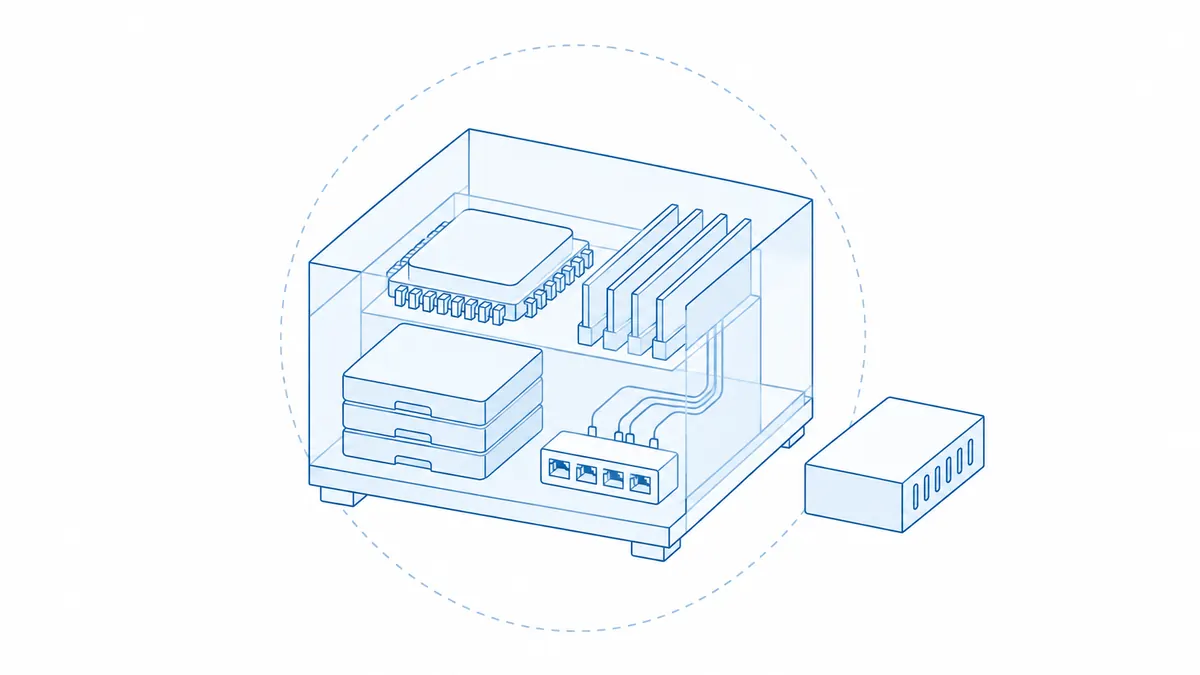
Estimate capacity from current data, expected growth, retention, temporary files, and maintenance operations. Include application releases, database indexes, uploaded files, logs, and local backup staging if used.
Leave operational headroom based on actual procedures. Ask whether a database rebuild, large import, or restore creates temporary copies. A disk that fits steady-state data may still fail during maintenance.
Then assess performance separately:
- Are requests mostly small random operations or large sequential transfers?
- Does application depend on prompt durable writes?
- Do backups compete with database traffic?
- Does latency rise when several services access storage together?
Measure storage latency and application completion time during realistic work. Avoid selecting storage from a medium label alone. DigitalOcean’s plan guidance treats storage and resource balance as workload choices, not interchangeable CPU-and-RAM bundles. DigitalOcean plan guidance
Verify whether storage is local, separately attached, or otherwise managed, and what resizing requires. Confirm persistence and recovery behavior on the current provider page. Never infer backup protection from disk type.
6. Check network throughput and transfer cost
Estimate traffic by direction and destination. Separate visitor downloads, uploads, replication, backups, administration, and communication with external APIs. Monthly totals and short busy bursts answer different questions.
Calculate an initial estimate from expected operations and typical payload size, then validate against measured transfer. Include failed uploads, retries, and repeated downloads where relevant. Avoid assuming compression or caching achieves savings before testing it.
Inspect network throughput during load tests. A file service may have comfortable CPU and RAM while users wait on transfers. Conversely, high transfer totals do not prove instantaneous bandwidth is inadequate.
Read current billing details for included transfer, additional usage, addresses, and traffic between services or locations. Verify terms at checkout; do not compare providers using headline compute price alone.
AWS describes compute, storage, networking, and regional resources as separate parts of EC2’s operating model. Use that separation when mapping dependencies and potential charges. AWS EC2 concepts
Set transfer alerts where available. Investigate unexpected increases before treating them as ordinary growth.
7. Pick region from user paths and dependencies
Locate users, application services, databases, and external dependencies before choosing region. A nearby server is not automatically best if every request must contact a distant database or third-party service.
Test complete user journeys from representative locations. Include connection establishment, authentication, database-backed requests, uploads, and downloads. Measure response-time distribution, not only a single ping.
For applications with geographically dispersed users, identify which operations need dynamic processing and which can use cached delivery. Do not assume choosing a different server region solves every long-distance interaction.
AWS organizes infrastructure into Regions and Availability Zones. Treat those concepts separately when planning placement and resilience; selecting a Region alone does not define a recovery design. AWS EC2 concepts
Check data-location obligations before deployment, including backup destinations and connected services. Obtain appropriate legal guidance where required.
If users already depend on an existing deployment, compare migration effort with measured improvement. A region move deserves testing, a rollback plan, and a maintenance window when interruption cannot be avoided.
8. Budget backups as resources and recovery work
Set recovery objectives before choosing backup frequency. Decide how much recent data can be lost and how long service can remain unavailable. These decisions shape backup method, storage needs, and restore procedures.
Inventory what recovery requires: database contents, uploaded files, configuration, secrets, scheduled tasks, and deployment instructions. A server image alone may not cover every external dependency.
Confirm backup scope, retention, destination, access controls, and current charges directly with provider documentation or checkout. Do not assume snapshots provide application-consistent database recovery.
Treat destructive recovery actions explicitly:
- Confirm the intended restore point and identify data created after it.
- Preserve current data where possible before replacing anything.
- Restore into an isolated environment first.
- Validate application behavior and data integrity before directing production traffic to the restored system.
Measure restore duration. Include provisioning, data transfer, validation, and traffic changes—not only file extraction.
Budget backup storage and transfer alongside compute. Schedule backup work during testing so its CPU, memory, and storage impact appears in sizing decisions.
9. Separate managed service from resource size
“Managed” needs a written scope. Ask who handles operating-system updates, application updates, security incidents, monitoring, backups, restoration, and after-hours response. Distinguish support availability from responsibility for completing work.
Check what provider requires from you during an incident. Access approval, application knowledge, and database repair may remain customer responsibilities even when infrastructure support exists.
Include administration time in cost comparisons. A cheaper unmanaged server can demand work your team cannot reliably supply. A larger server does not remove that responsibility.
Before exposing a new system publicly, harden access, apply updates, restrict unnecessary services, and verify recovery access. Use the Ubuntu VPS security guide where relevant, while checking compatibility with your current operating-system version and deployment.
For terminology and infrastructure context, see what a cloud server is. Keep purchasing decisions grounded in specific responsibilities and capabilities rather than product labels.
Document an escalation path. During failure, ownership should already be clear; discovering responsibility boundaries wastes recovery time.
10. Prove sizing with representative load
Test a candidate configuration before committing to a long purchasing period. Use production-like data without exposing personal information or secrets. Match expensive queries, payload sizes, cache behavior, and background tasks.
Run a controlled sequence:
- Define pass criteria for throughput, response time, errors, and job completion.
- Start with ordinary demand and allow caches and processes to settle.
- Increase concurrency gradually while watching application and system metrics.
- Add scheduled work and test realistic peak overlap.
- Stop if errors, resource exhaustion, or unsafe effects appear.
- Repeat after changing one resource or application setting.
Record configuration and test conditions so comparisons remain meaningful. Do not compare a warm-cache run with a cold-cache run as if CPU alone caused the difference.
When a test fails, identify the limiting component before resizing. Check slow queries, connection limits, remote dependencies, and storage waits. Fix unnecessary work first; rerun the same test to verify improvement.
11. Compare contrasting hypothetical workloads
Hypothetical example: small content site
A mostly cached content site has brief publishing activity and occasional visitor spikes. Measurements show short CPU bursts, stable memory use, and little database work during normal browsing.
Start by testing shared CPU against acceptable response times. Prioritize sufficient RAM for existing services, predictable backups, and a region serving the main audience. Validate cache misses and publishing operations, not only cached pages.
Hypothetical example: transaction-heavy application
An application handles frequent database writes while background workers generate reports. Measurements show sustained processing and storage waits during overlapping jobs.
Test dedicated CPU, memory allocation, database queries, and storage behavior separately. Consider moving report schedules before buying more resources. Choose a configuration only after peak transactions and reports meet their targets together.
Hypothetical example: upload and delivery service
A service stores growing media files and sends large downloads. CPU remains comfortable, but transfer charges and storage growth dominate planning.
Focus comparison on capacity expansion, network behavior, backup scope, and recovery transfer. Test whether separate file storage simplifies operations before making one VPS increasingly large.
These examples describe decision paths, not numerical plan recommendations.
12. Verify growth path and full cost
Ask what happens when each resource runs short. Can CPU or RAM change without moving data? Does disk expansion require filesystem work? Can capacity shrink later? Must a region change use a replacement server?
Verify current provider procedures before purchase. Do not assume resizing is reversible, interruption-free, or identical across plan families.
Maintain a migration path when in-place changes are unsuitable. Keep deployment instructions, recoverable data, and a tested method for moving traffic. Identify dependencies tied to addresses or local storage.
Compare total operating cost:
- Compute and persistent storage.
- Backups and retained recovery points.
- Network transfer and related services.
- Monitoring and management.
- Migration time and maintenance interruption.
Avoid buying distant future capacity without evidence. Equally, avoid a configuration with no workable next step when growth is already visible.
Before any resize or migration, verify recoverability and preserve necessary data. Afterward, repeat functional checks and representative measurements. A successful control-panel operation does not prove application health.
13. Keep a decision worksheet and review loop
Complete this worksheet before purchase. Leave unknown fields blank until measurements or current provider terms resolve them.
| Decision | Evidence or requirement | Selected option |
|---|---|---|
| Workload and peak overlap | ______ | ______ |
| Response-time and job targets | ______ | ______ |
| CPU demand and consistency | ______ | ______ |
| Memory working set and peaks | ______ | ______ |
| Disk capacity and growth | ______ | ______ |
| Storage latency under load | ______ | ______ |
| Transfer and throughput | ______ | ______ |
| Region and dependency latency | ______ | ______ |
| Backup and restore objectives | ______ | ______ |
| Management responsibilities | ______ | ______ |
| Total cost and resize path | ______ | ______ |
After deployment, compare real behavior with test assumptions. Alert on user-visible failures and approaching resource limits, not utilization alone. Review after launches, data imports, traffic changes, and recurring capacity trends.
Record each change, expected effect, and measured result. Keep configuration unchanged when targets hold and growth remains manageable. Resize when evidence identifies a resource limit; investigate when spending rises without corresponding useful work.